



Beezyspin App
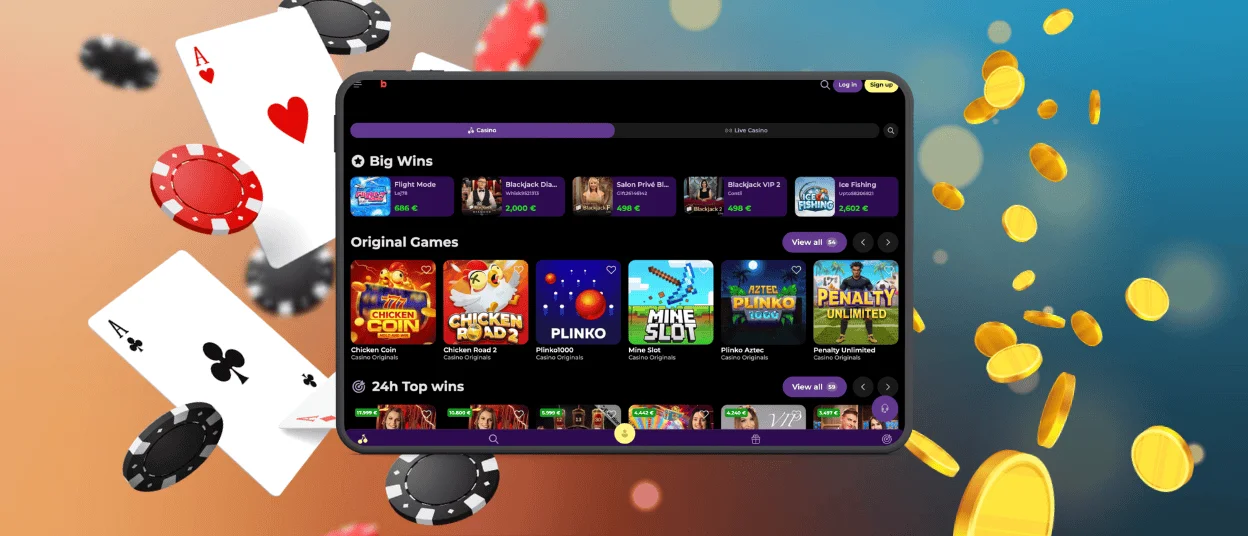
With the Beezyspin App, the whole casino fits in your hand and waits for the moment you want to play. One screen handles it all. You might open online slots one minute and join a live table the next, with your balance never more than a tap away.
We put real effort into speed, so the app stays light on today’s phones and tablets, and whatever you enjoy on the website comes along when you head out the door.



Beezyspin on Mobile
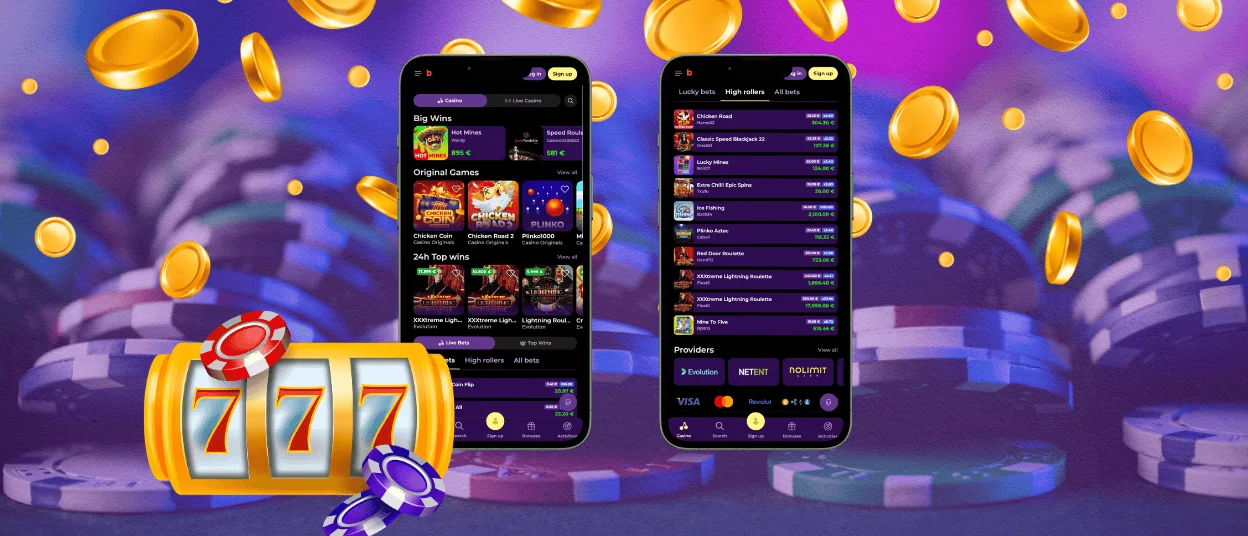
A phone keeps your favorite games close, whether you are on the sofa or waiting for a train. Buttons land where your thumb naturally rests, and the layout reshapes itself to suit your screen. Your wallet and live chat both sit one tap from the lobby. When a fresh promotion goes live, a quiet push notification lets you know without any fuss.
For a longer evening of play, the desktop site gives you a broader canvas, and plenty of our players hop between the two through the week. Your balance and active bonuses follow you across devices, so Beezy Spin feels like a natural extension of your account on any screen.
Across phone and tablet, the mobile casino gives the same gaming experience you trust on the Beezyspin casino website. The lobby loads quickly, the graphics stay sharp, and your favorite titles open in one touch. This makes a short break or a longer stay equally easy to enjoy.
Beezyspin for Android
On Android, setup happens right inside the browser and takes only a moment. Open the Chrome menu on the Beezyspin casino site and pick the option that adds it to your home screen. From then on, the icon lives next to your other apps, and a single touch brings it to life. It sits comfortably on most current phones and tablets, asking for hardly any storage in return.
Alternative for APK
If you came here hoping to grab a Beezy Spin APK, here is the smoother route. Rather than a separate file, our app arrives as a progressive web app that you add straight from the browser. It lands on your home screen in the same quick way shown above and behaves just like a downloaded app. Each time you open it, the latest version loads on its own, so your games and your security stay current with no manual steps.
Beezyspin iPhone and iPad App
On Apple devices, the progressive web app delivers the very same smooth play. Open the site in Safari, tap the share icon, and pick “Add to Home Screen” to pin it in place. The Beezy Spin icon then appears and behaves like any native app. Face ID and Touch ID make each login quick and secure on both iPhone and iPad.
Beezyspin on Desktop
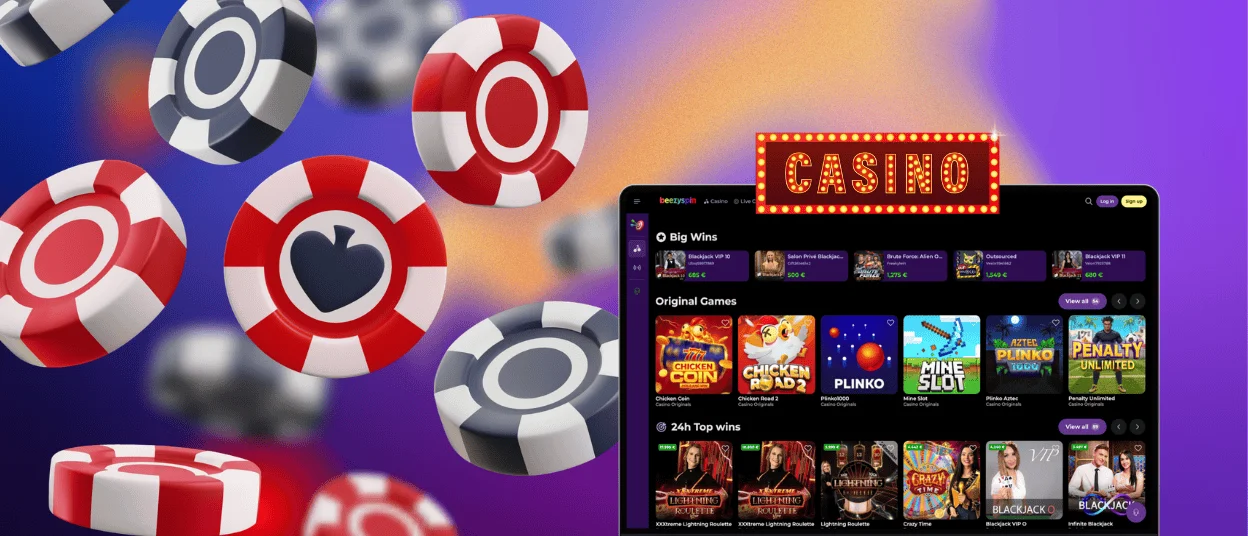
The desktop version suits players who want a wide view and steady control. Our site opens in every major browser and runs right away in your window. You get the same game library, the same wallet tools, and the same support options found on mobile. A larger screen helps with detailed table games and adds comfort during long gaming sessions. The Beezyspin casino lobby keeps the same layout you know, so the switch between devices feels seamless.
| Aspect | What it gives you |
| Speed of access | Tap the home-screen icon and reach your games in seconds, with no browser steps in between. |
| Screen comfort | The phone layout suits short sessions on the move, while the desktop view stays roomy for longer play. |
| Account sync | Your balance, history, and active bonuses stay the same on every device you sign in from. |
| Notifications | The phone version sends gentle alerts about fresh promotions and new releases as they arrive. |
Getting Started
Getting started with Beezy Spin takes only a few minutes. Follow these simple steps to begin:
- Open the Beezyspin casino site in your preferred browser.
- Set up your account and choose a password that is hard to guess.
- Pass the short verification process so your profile stays protected.
- Add funds through your wallet using your chosen method.
- Claim your welcome offer and start playing online slots.
Beezyspin Progressive Web App
Think of our progressive web app as the meeting point between a website and a downloaded app, taking the strong points of each. It loads from the browser, updates on its own, and saves space on your device. The mobile casino runs through secure web protocols that protect your data at every moment. You can play, deposit, and review your history while you stay inside your browser. For many players, this is the simplest way to enjoy Beezyspin on any device.
The Beezy Spin web app brings several clear benefits:
- Instant access from any device with a modern browser.
- Automatic updates that always keep your version fresh.
- Light storage use, since the app loads content only as needed.
- Steady performance that holds up well even when your connection slows.
Security Benefits
Security stays at the heart of every Beezy Spin session. We protect each connection with strong encryption, so your details travel safely between your device and our servers. Sessions close on their own after a quiet period, which adds extra cover on shared devices. Our Support Team watches for unusual activity and steps in quickly to keep your account safe.
FAQ
Does Beezyspin work on Mac?
Yes. On a Mac, Safari and the other well-known browsers run our platform without trouble, so you open the site and reach the full library within seconds. The experience matches what you find on Windows and on mobile.
Are any features missing from the Beezyspin app compared to desktop?
The app delivers the full Beezyspin experience, from online slots to live tables and wallet management. You can claim bonuses, join tournaments, and reach live chat just as you would on a computer. Both versions share one account and one game library, so your play stays consistent everywhere.
Can I deposit and withdraw through the Beezyspin mobile app?
Yes. Every payment runs through your wallet inside the app. You can top up with a bank card or an e-wallet, and crypto works just as well. Strong encryption guards each transaction, and you can check where it stands whenever you like.


